


Install on Windows environnement :
- Requirements: Be sure you have a Windows 10 Pro OR Enterprise edition version 1709 or later, Windows Server version 2016 or later
- After downloading and unzip the installer zip directory, run as administrator with powershell the file “installer.ps1“
- Open your favorite browser and access to http://localhost/
Install on Mac environnement :
- Requirements: Mac hardware must be a 2010 or newer model / MacOS must be version 10.12 or newer / At least 4GB of RAM
- Double-click Docker.dmg to open the installer, then drag the Docker icon to the Applications folder
- Double-click Docker.app in the Applications folder to start Docker
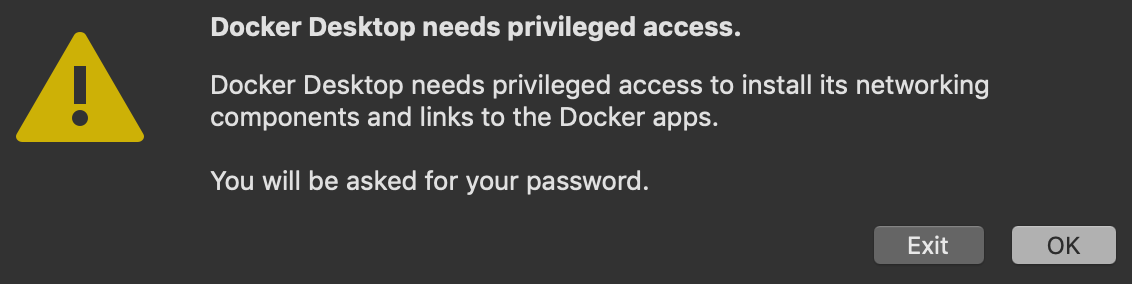
- You are prompted to authorize Docker.app with your system password after you launch it. Privileged access is needed to install networking components and links to the Docker apps:
- Open your favorite terminal and go to the unzip folder > YWOW and run this command : docker-compose -f docker-compose.yml build
- Next run : docker-compose -f docker-compose.yml up -d
- Open your favorite browser and access to http://localhost/
Instruction Manual is available here >>